
Creating & running a retro
A calm, opinionated playbook for facilitators. Use the whole thing for your first few sessions, then cherry-pick what works.
Before the session
Create the board 24 hours early
People think better when they’re not staring at a blank canvas during the call. Create the board a day ahead and drop the link in your team channel with a prompt like "add one card tonight so we start warm."
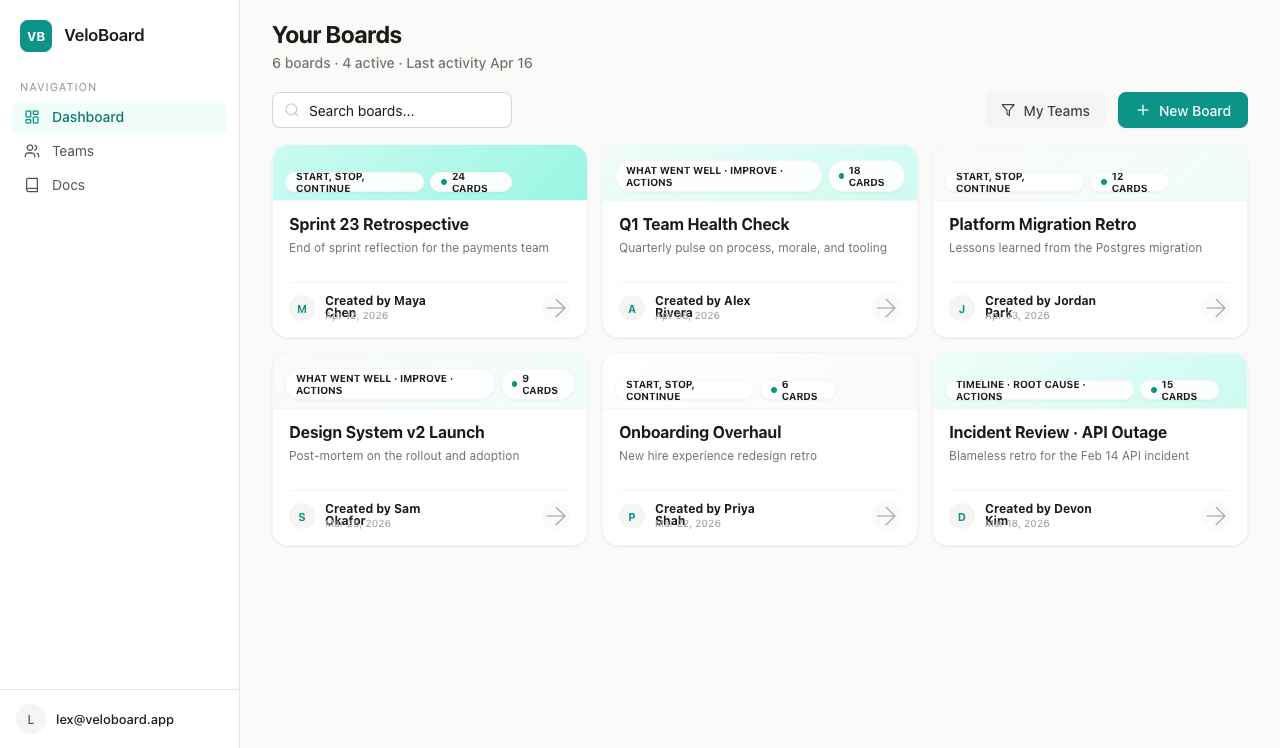
Pick the right template
VeloBoard ships with two built-in templates. Our defaults for common situations:
| Situation | Template |
|---|---|
| End-of-sprint recap, action-focused retros | Start, Stop, Continue |
| Quarterly health check, reflective reviews | What went well · What to improve · Actions |
Need a different structure? On Team and Enterprise plans you can create a custom template with 1–8 columns.
During the session
VeloBoard’s timer is a single configurable countdown, not a phase machine — treat the breakdown below as advice, not enforced behavior. Most teams set the timer to the current phase’s length and reset it when moving to the next.
Context · 5 min
Recap the sprint’s goals and the outcome of last retro’s action items.
Writing · 10 min
Everyone adds cards. Agree as a team to not look at the board until the timer runs out if you want a silent-writing effect — the anonymous toggle helps here too.
Read & dedupe · 5 min
Read through together. Where two cards say the same thing, pick the stronger wording and delete the duplicate.
Vote · 3 min
Thumbs-up cards that resonate. One vote per card per person.
Discuss top items · 15 min
Sort a column by Votes and work top-down, one mini-timer per item.
Actions · 7 min
End every discussion with an action — capture it on a card and, if you’re wired to Jira, create the issue straight from the card’s ··· menu.
Facilitator tipIf a discussion runs long, park it as an action card titled "deep-dive: [topic]" and schedule it separately. Retros should end on time.
After the session
- Share the board link in your team channel with a one-line summary.
- Turn action cards into Jira issues — see Jira integration.
- Give every action an owner. Unowned items don’t get done.
- Open last retro’s board at the start of the next one and check off what shipped.